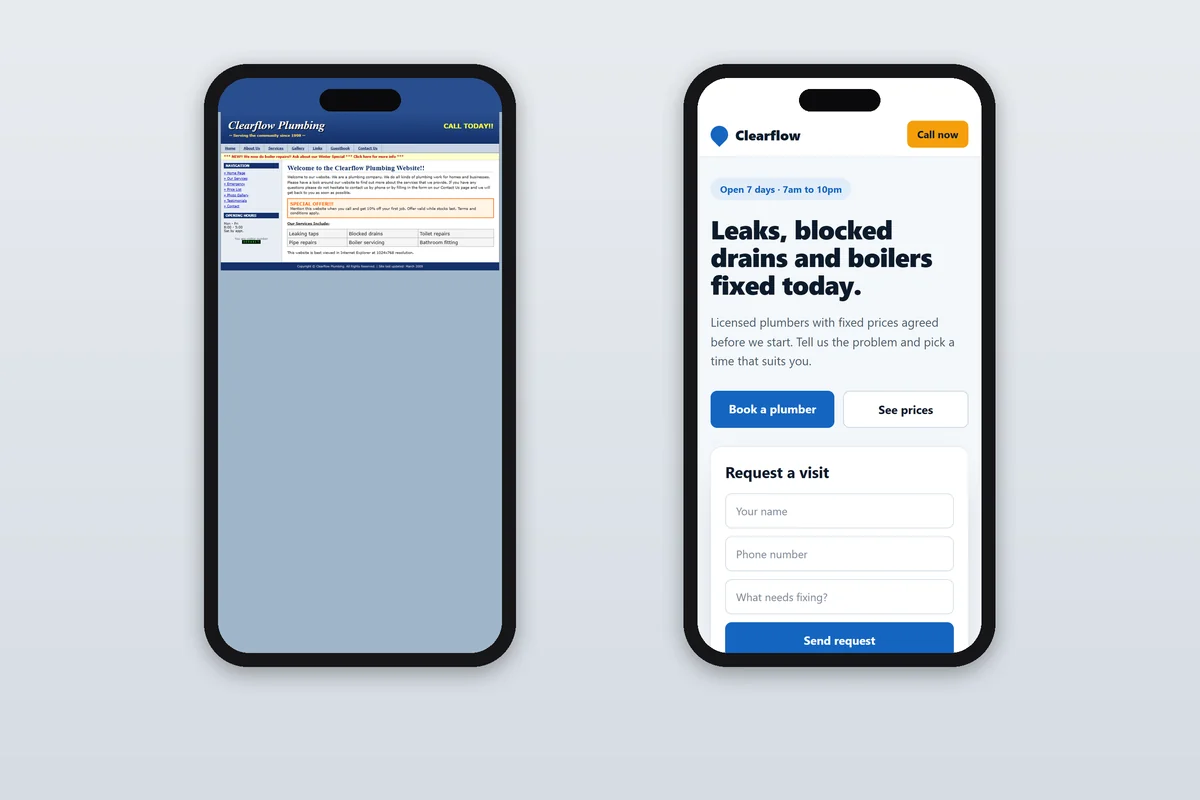
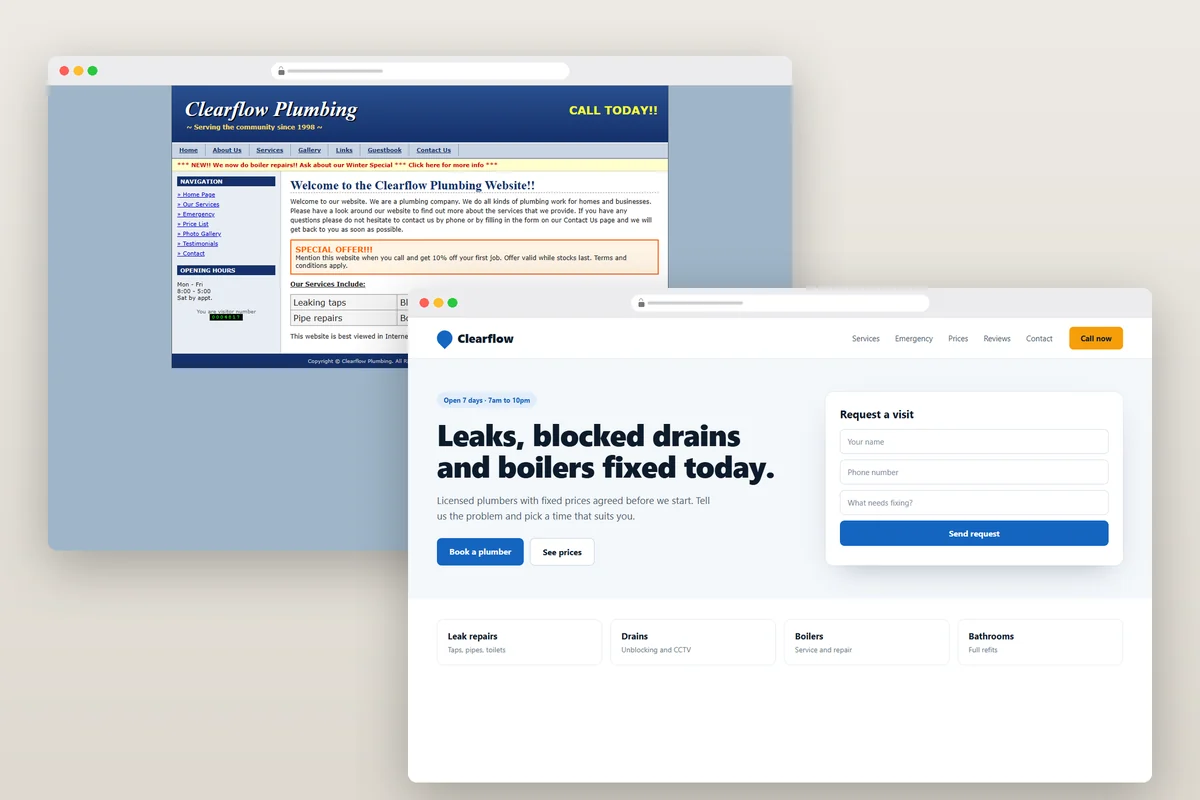
Redesign your website when it stops doing its job. That includes breaking on phones, being impossible for you to update, describing services you no longer offer, being slow, or running on a theme or builder that nobody maintains any more. If the structure still works and the problems are specific, such as one slow page or a broken form, a smaller refresh is usually enough and costs far less.
The question behind the question
When business owners ask "should I redesign my website?", they are usually asking three other things:
- Is my site actually bad, or am I just tired of looking at it?
- Will I spend a lot of money and end up no better off?
- If I change it, will I lose the Google position I already have?
All three are fair worries. This guide takes them in that order.
"Every two to three years" is a rule of thumb
You will see it quoted everywhere, and nothing makes it a standard. Some sites work well for six years. Others need help after eighteen months because the business changed direction. A date on the calendar is a poor reason to spend money.
A better test is to ask whether the site is still doing its job. For most small businesses that job is simple. Tell people what you do, make you look trustworthy, and make it easy to get in touch. If your site does all three on a phone and on a laptop, it probably needs updating, not replacing.
8 signs your site really does need a redesign
Read through these and count how many sound like your site.
1. You wince when you open it on your phone
Text runs off the screen, the menu will not open properly, the buttons are tiny. Some of this can be fixed on its own (see why your website looks broken on mobile). But if the theme was never built for phones at all, rebuilding is usually cheaper than patching every page.
2. Changing a price means emailing someone and waiting
If updating your opening hours or swapping a photo needs a developer, the site will always lag behind your business. A modern WordPress site with a visual editor lets you make those everyday changes yourself in a few minutes.
3. The site describes the business you used to be
New services you do not mention, ones you stopped offering years ago, an old logo, an old address, prices that make customers ask "is that still right?". Every one of those creates a small doubt in the reader's mind.
4. People visit, but nobody gets in touch
If you know people are landing on the site but enquiries are rare, open your home page and look at it as a stranger would. Can you tell what you do within a few seconds? Is there one obvious next step? Is the contact form short, and does it work? Test it by sending yourself a message. A broken form is a quick fix. A page that does not explain what you do is a structural problem, and that is what a redesign solves.
5. It takes so long to load that you start apologising for it
Run the home page through PageSpeed Insights on the Mobile tab. If huge photos are the main problem, compressing them may be all you need. If the slowness comes from an old theme, several builder add-ons and a long list of plugins stacked on top of each other, fixing it can cost nearly as much as starting fresh.
6. The theme or builder has not had an update in years
In your dashboard, check when your theme and your most important plugins were last updated. Software nobody maintains stops getting security fixes, and it can break the day your host upgrades PHP. If your site depends on it, it is better to plan a move than to wait for it to break.
7. A competitor's site makes yours look old
Search for your service and your town. Open the first few competitor sites on your phone, then open yours. If yours looks noticeably older, your customers notice too. On its own this is the weakest reason on the list. Combined with any of the others, it counts.
8. You do not show up on Google for the things you sell
If one page tries to cover every service, Google has little to match to what your customers type. Giving each main service its own page is one of the most useful things a redesign can do. (Our guide to the pages a small business website needs shows how to plan them.)
If you counted one or two, a targeted fix is probably enough. If you counted four or more, a redesign is likely to be better value than patching.
Refresh or redesign? A five-question test
| Question | If yes | If no |
|---|---|---|
| Does the site work properly on phones? | Refresh | Redesign likely |
| Can you edit text and images yourself? | Refresh | Redesign likely |
| Do the theme and main plugins still get updates? | Refresh | Redesign |
| Does the page structure match the services you offer now? | Refresh | Redesign |
| Are the problems limited to a few pages or features? | Refresh | Redesign |
Mostly "yes" means a refresh: fixing speed, mobile layout, broken links, forms and out-of-date text on the site you already have. Two or more "no" answers in the first three rows usually means a redesign is better value.
"Will I lose my Google rankings?"
You do not have to. When sites lose search traffic after a redesign, the usual reason is that page addresses changed and nobody redirected the old ones. Google's own guidance on moving a site comes down to a handful of careful steps:
- List every page you have now, before anything changes. Your sitemap (
yoursite.com/sitemap.xml) or the Pages report in Google Search Console is a good starting point. - Keep the same addresses where you can. If a page keeps its URL, there is nothing to redirect.
- For every address that changes, set up a permanent (301) redirect to the closest new page. Do not send everything to the home page.
- Keep the content that already brings visitors. If an old page gets found on Google, keep its topic, its main heading and its useful text. Improve it instead of throwing it away.
- Build the new site on a staging copy hidden from search engines, and remember to remove that block on launch day. Forgetting this step is a common reason a brand new site disappears from Google.
- Check every page's title and description before launch. The free SERP preview tool shows how each one will look in search results.
- After launch, submit the new sitemap in Google Search Console and watch the Pages report for errors over the next few weeks.
A checklist to keep beside you
- What should visitors do on the new site: call, book, or ask for a quote? Write it down.
- A list of your current pages, and which ones bring visitors
- A new page list, with one page for each main service
- A redirect for every address that changes
- Real photos, and up-to-date text, prices and contact details
- Checked on a small phone (360px), a tablet (768px) and a laptop
- Contact form tested, and the test enquiry arrived in your inbox
- Search engine block removed at launch, sitemap submitted in Search Console
Where redesigns usually go wrong
- Starting with colours and fonts. Decide what the site must achieve, and which pages it needs, before anyone opens a design tool.
- Changing every URL with no redirects. It is the quickest way to lose the rankings you already earned.
- Copying all the old text across unchanged. Cut what is out of date. Keep and improve what works.
- Launching without testing the form. A beautiful new site that cannot send enquiries is worse than the old one.
"How much is this going to cost me?"
That depends on how many pages you need, whether you need features like booking or a shop, and who writes the words. Our guide to small business website costs explains what goes into the price. To give you a real reference point, IB NOVA lists fixed prices on its pricing page: a Fix & Refresh for an existing site starts at $59, and a five-page Business Website is $349.
Still not sure which one your site needs? Send us the address. We will look at it and tell you honestly whether a fix will do or a rebuild makes more sense, and a fix is often the answer.
Questions
How long does a website redesign take?
It depends on the number of pages and how quickly the content and your feedback are ready. When the content is ready, a small five-page site usually takes weeks rather than months.
Will a redesign hurt my SEO?
It can, if URLs change without redirects or content that ranks is removed. Keeping your URLs, redirecting the ones that change and keeping your useful content protects most of what you have.
Can I redesign only part of my website?
Yes. Many businesses rebuild the home page and service pages first and leave the rest for later. Just keep the look consistent between the old pages and the new ones.
Should I switch platform during a redesign?
Only if the platform is the problem, for example if you cannot edit the site or it is no longer maintained. Switching adds work, so it should solve something specific.
Sources

A web studio building WordPress and Bricks Builder websites, AI websites and SEO for small businesses worldwide. About IB NOVA